
Auto capture
The app watches the frame against the guide and fires the shutter itself once the match holds. It removes the last source of movement in the whole process, which is your thumb reaching for a button.
The mechanic, in detail
Everything SameShot does happens in the two seconds before the shutter. There is no clever processing afterwards, because a photo taken from the right place does not need any.
Step one
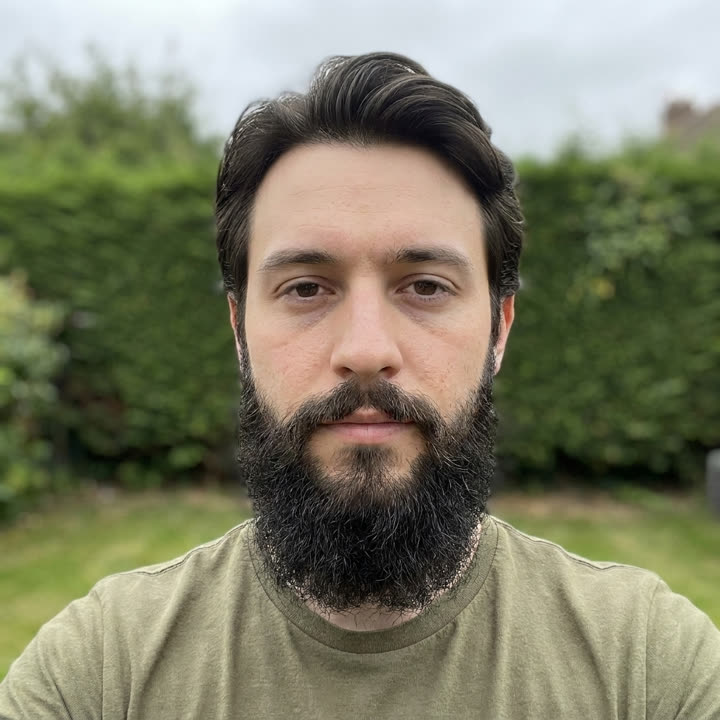
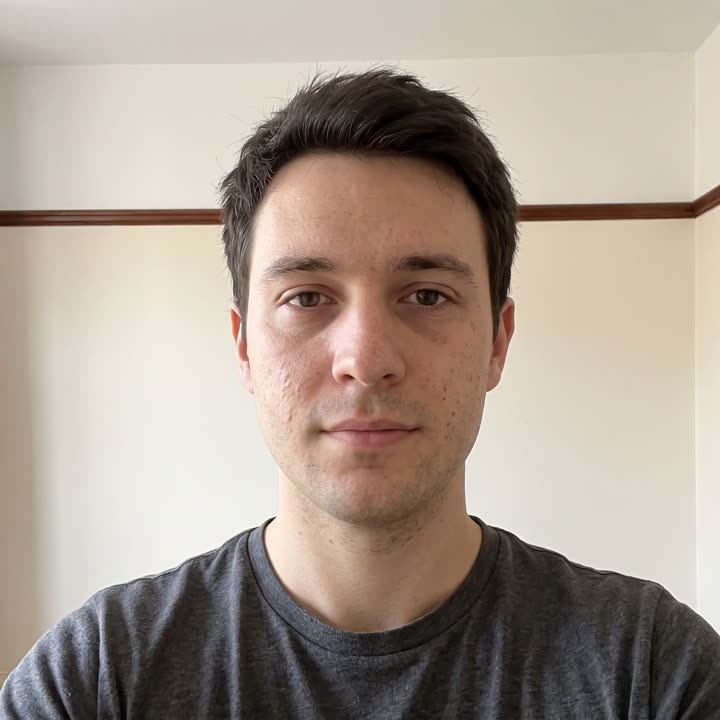
Your last photo is drawn over the live preview at an opacity you control. You are not guessing where you stood, and you are not flicking back to the gallery to check. Both images are in front of you at once, so lining them up is a physical action rather than a memory test.
It opens at 40%. Push it up when your subject and the wall behind it are similar in tone, and down when the scene is busy enough that the guide starts competing with the live view.
Step two
The app watches the frame against the guide and fires the shutter itself once the match holds. It removes the last source of movement in the whole process, which is your thumb reaching for a button.
For selfie projects, on-device face detection anchors the alignment to your face rather than the background. That is what lets a daily selfie land the same in your kitchen and in a hotel room six hundred miles away.
Front, side and back each carry their own guide. Trying to run three angles through one project means every shot is matched against the wrong reference, which is worse than no reference at all.
Step three
Plenty of tools promise to align photos after the fact. They work by warping, rotating and cropping until two images roughly agree, and every one of those operations throws away real pixels and invents new ones.
SameShot saves exactly the photo you took. If the frames match, it is because you matched them. That makes the set usable for things where honesty matters, such as documenting a build, a recovery or a treatment.
The rest of it
Your last photo sits faded over the live camera. Move until you match it, then shoot.
Turn it on and stop tapping. The shutter fires the moment the frame is lined up.
Locks onto your face, not the room, so a daily selfie lands the same in a kitchen or a hotel.
Drag with your thumb to wipe between the first shot and the latest one.
Months of photos become a vertical 9:16 video, sized for Reels, Shorts and TikTok.
Front, side and back each get their own project and their own ghost.
A daily nudge and a streak counter, because the habit is the hard part.
Prop the phone, step back, and let the timer take the shot hands free.
Fingerprint, face or PIN before the app opens. Optional, and entirely on device.
Pull photos you already took into a project and backdate the timeline.
Questions
A ghost overlay camera draws your previous photo, semi transparent, on top of the live camera preview. You move the phone or yourself until the live image and the faded one line up, then take the shot. The result is a photo taken from effectively the same position as the last one, without any editing afterwards.
Around 40% suits most situations, which is where SameShot opens. Push it higher when the subject and background are similar in tone and you need a stronger guide, and lower when the scene is busy and the overlay starts hiding the live view.
It compares the live frame against the guide continuously and fires the shutter when the match holds steady. In face projects it uses on-device face detection to track your face rather than the background, so it is measuring you and not the room.
No. The alignment happens before the shutter fires, not after. What gets saved is the photo you actually took, unmodified. Nothing is warped, cropped or retouched to force a match.
Yes. Import existing photos through the system picker and place them in a project so the timeline starts before you installed the app. Imported photos will not be perfectly aligned, but they still anchor the start of the story.
They stay in local storage on the device. There is no account, no backend server and no network call, so nothing is uploaded, synced or backed up anywhere by the app. Exports go where you send them.
The browser tool does the comparison half without installing anything. The camera half needs the app, and the app is free on Google Play.