
Painting · illustration · builds · restoration
The process is the post.
Finished work gets scrolled past. The version of it that people stop for is the one where they watch it appear, and that only exists if every session was shot from the same place.
- Shoot
- Every working session
- Projects
- 4
- Photos stay
- On your device
Cadence
Every working session, and here is why.
A session is the natural unit of change for made work. Shooting per session means the time-lapse has one frame per real step, which is what makes it readable.
The setup
Decide this once. Then stop deciding.
Every one of these is a decision you make a single time. The whole point is that the next photo needs no thought at all.
Photograph the canvas, not the room
Fill the frame with the work and keep the edges of the canvas in the same place every time. Those edges are what the overlay locks onto.
Camera square to the surface
Straight on, centred, level. Any angle turns a rectangle into a trapezoid, and the shape changes every session.
The same lamp, not the same daylight
For made work, a fixed artificial light beats a window, because you will work at night and the light needs to match anyway.
Shoot the blank surface first
The empty canvas is frame one. Without it the time-lapse starts halfway through.
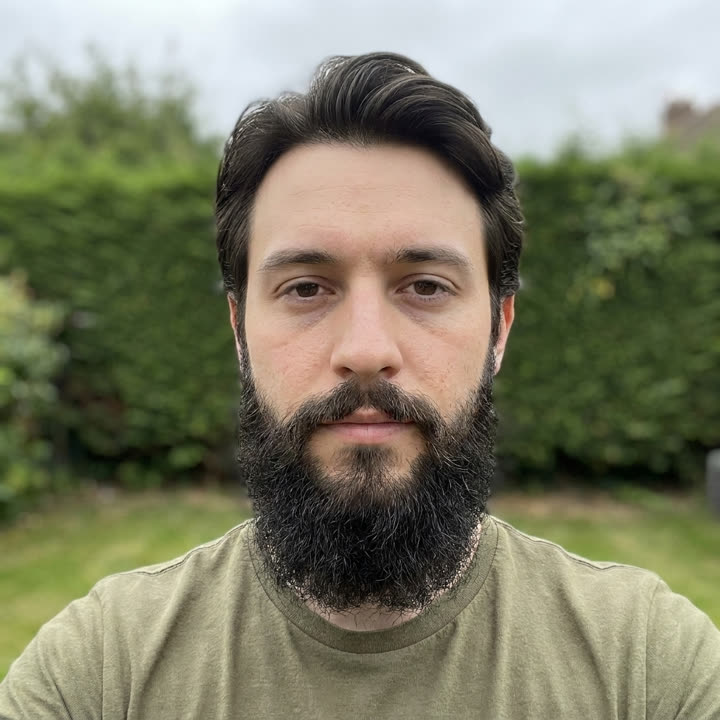
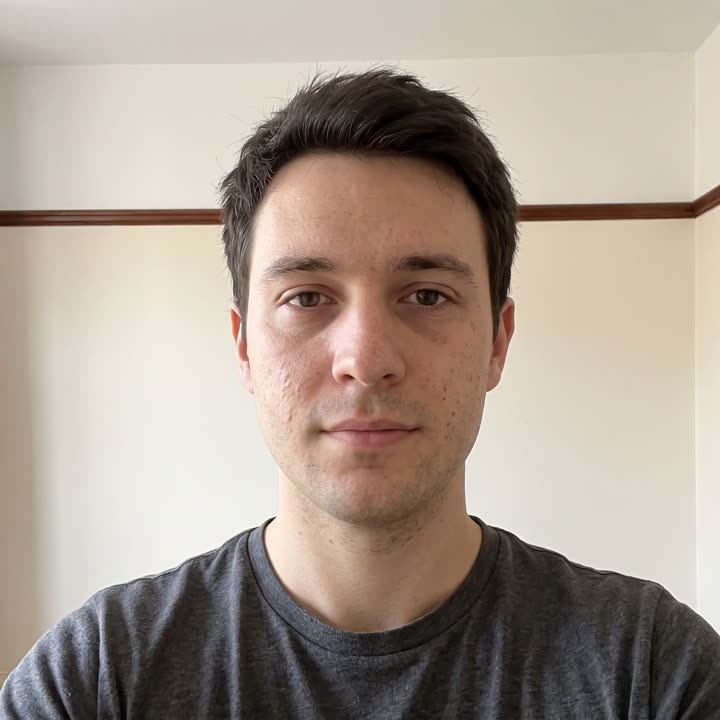
The mechanic
This is what you see through the camera.
The previous shot, faded over the live view. Drag the opacity until you can see both, line them up, and shoot. Everything else on this page is just where to stand.
What goes wrong
The mistakes that quietly ruin the set.
- Photographing at an angle to avoid glare, at a different angle each time.
- Only photographing the sessions that went well.
- Cropping each photo individually afterwards, which reintroduces exactly the drift you were avoiding.
Questions
Art photos, answered.
How do I make a painting progress time-lapse without a rig?
Take one photo at the end of every session from the same spot, square to the canvas, under the same light, with the canvas edges in the same place in frame. Line each new photo up against the previous one and export the set as a video when the work is done.
Also tracked with SameShot
Same camera, different subject.
Guides & Tools
Related guides and tools for art progress.
Take the first one today.
The starting photo is the only one you can never go back and take. Free on Google Play, no account needed.

SameShot: Progress Photos
Appynox · Lifestyle
Before and after photos that line up. Ghost overlay camera, AI auto capture.
- Price
- Free
- Rated
- Everyone
- Account
- Not required
- iOS
- In development
Free, no account, nothing uploaded. Android 8.0 and above.